What is a Webhook
Welcome to our session on understanding webhooks. This concept is crucial for modern automation, yet often misunderstood. We'll demystify webhooks, explaining that they are simply one system sending a message to another the moment an event occurs. This lesson focuses on building a solid mental model before we dive into practical applications.
Polling vs. Webhooks
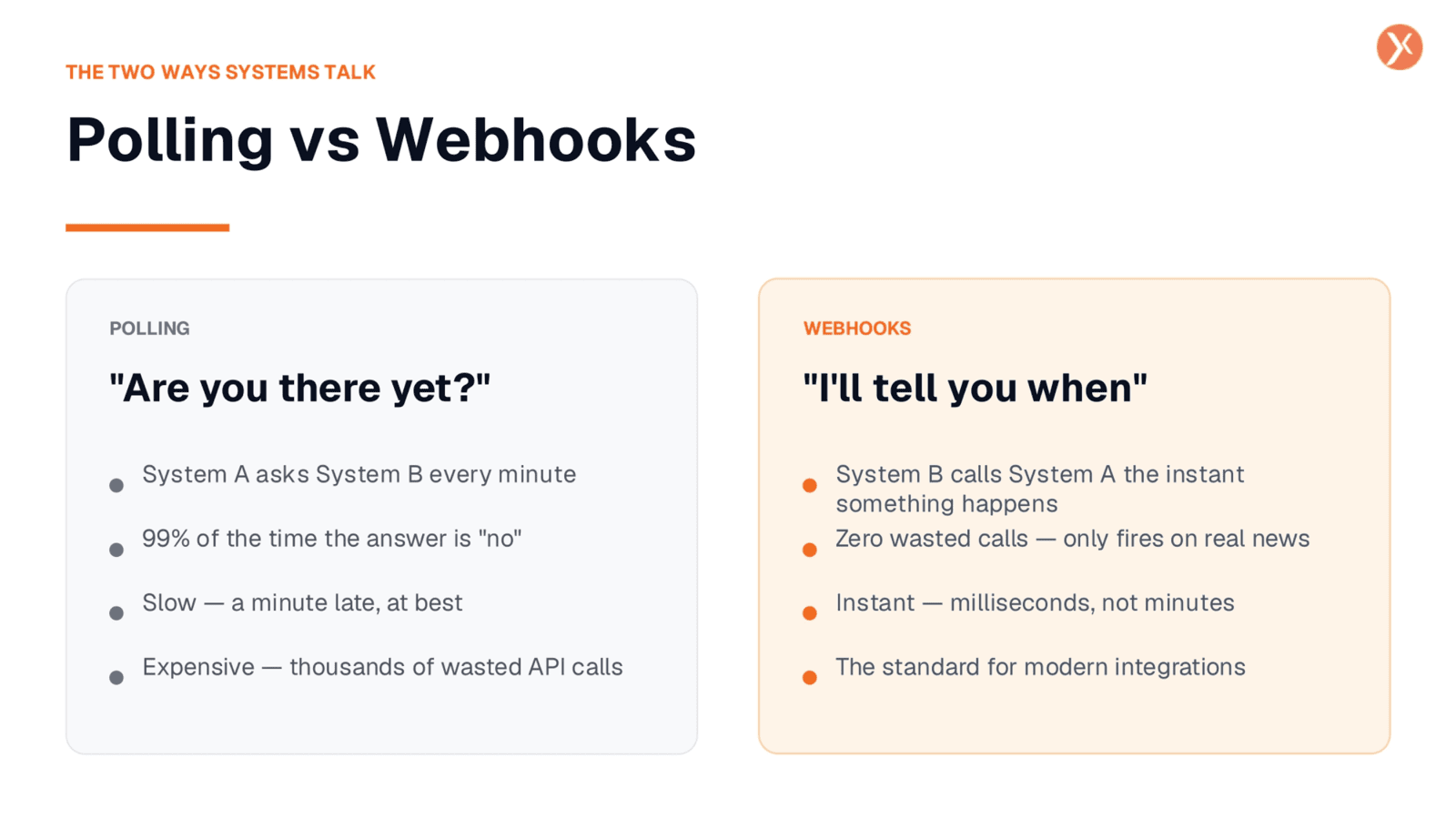
Systems can communicate in two primary ways: polling or webhooks. Polling involves one system repeatedly asking another if anything new has happened, which is often inefficient and wastes API calls. Webhooks, however, reverse this. The second system proactively notifies the first the instant an event occurs, ensuring immediate and efficient data exchange. This 'tell me when' approach is the standard for modern, real-time integrations, avoiding unnecessary checks and delivering information precisely when it's needed.
Webhooks are HTTP POST Requests
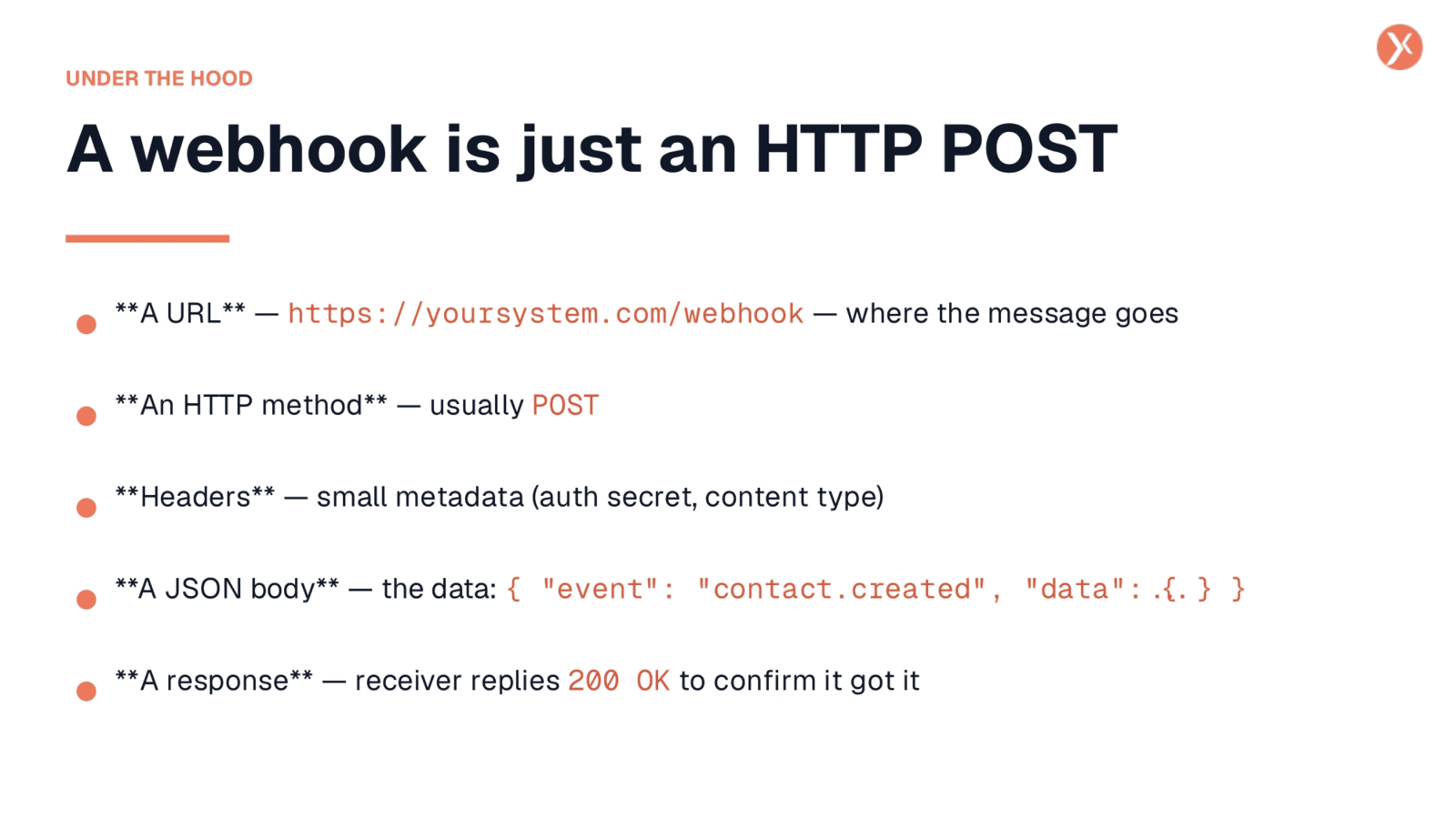
At its core, a webhook is simply an HTTP POST request, much like submitting a form on a website. It consists of five key ingredients. First, a URL specifies the destination for the message. The HTTP method is almost always POST. Headers carry essential metadata, such as authentication secrets and content type. The actual data, or JSON body, describes the event that triggered the webhook. Finally, a response, typically a 200 OK, confirms successful receipt. Understanding these components demystifies the underlying protocol.
Incoming vs. Outgoing Webhooks
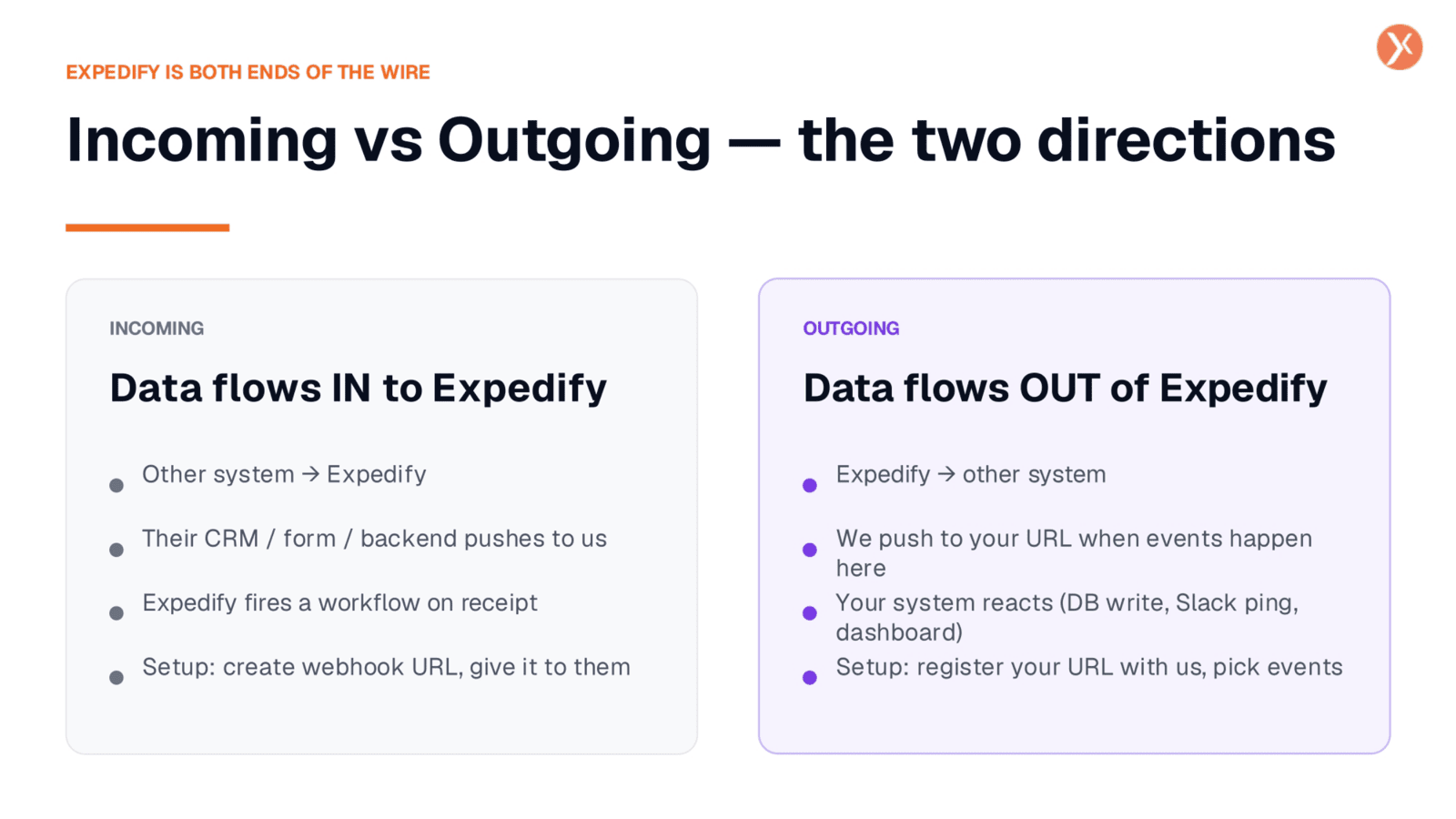
Expedify facilitates webhooks in two crucial directions: incoming and outgoing. Incoming webhooks are when an external system, like your CRM or a form, pushes data into Expedify, triggering a workflow. Conversely, outgoing webhooks occur when Expedify has news, such as a new contact or a completed call, and pushes that information out to your system. While the protocol remains the same, the direction of data flow is opposite. Grasping this distinction is key to configuring your integrations effectively within Expedify.
Real-World Webhook Triggers
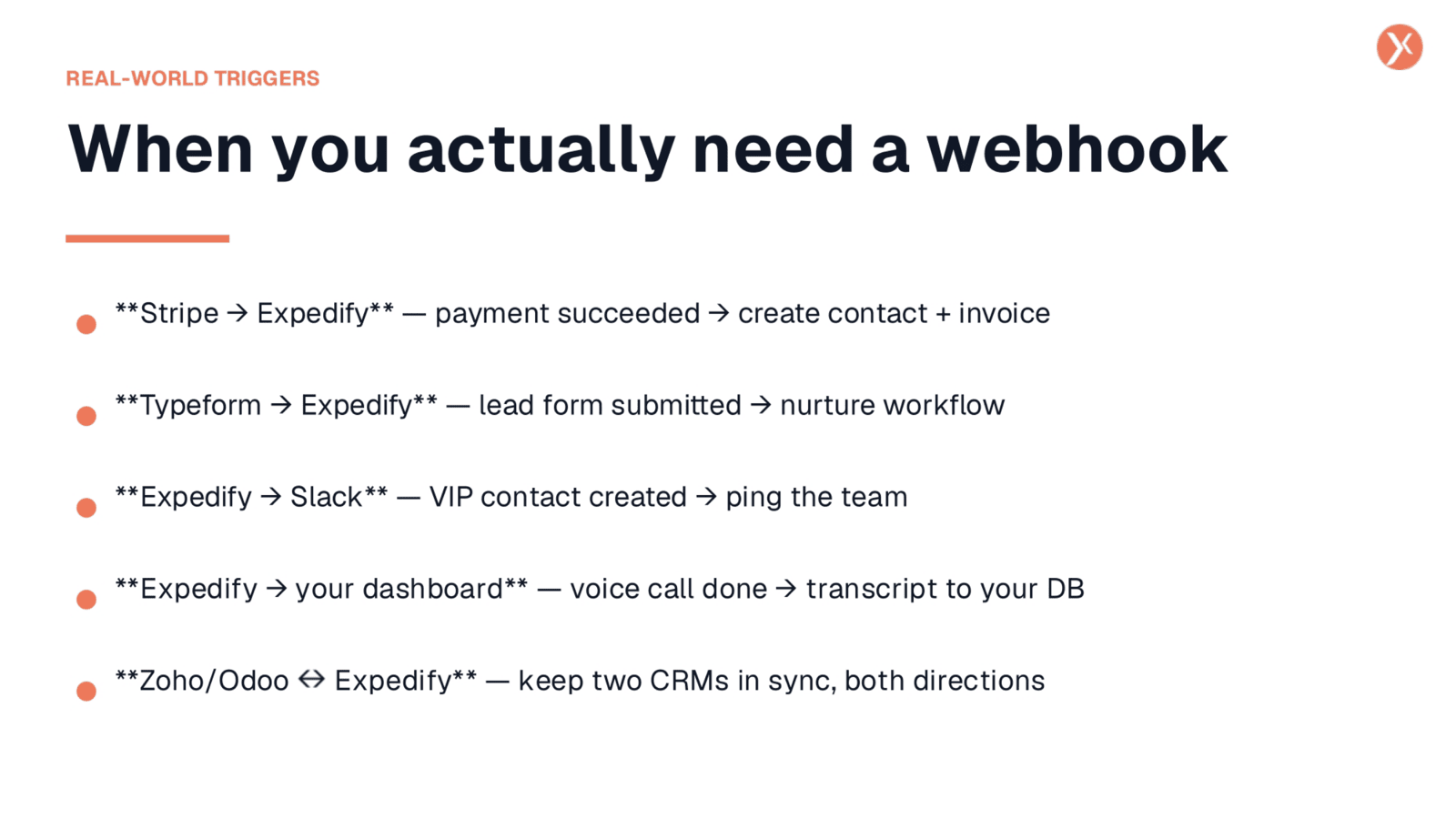
Webhooks are vital for automating real-world scenarios. For instance, Stripe can send Expedify a webhook upon a successful payment, automatically creating a contact and invoice. Typeform submissions can trigger nurture workflows in Expedify. Going the other way, Expedify can ping Slack when a VIP contact is created, or POST voice call transcripts to your dashboard. For systems like Zoho and Odoo, webhooks enable bidirectional synchronization, keeping both CRMs updated. These examples highlight the diverse applications of webhooks in streamlining operations.
Essential Webhook Vocabulary
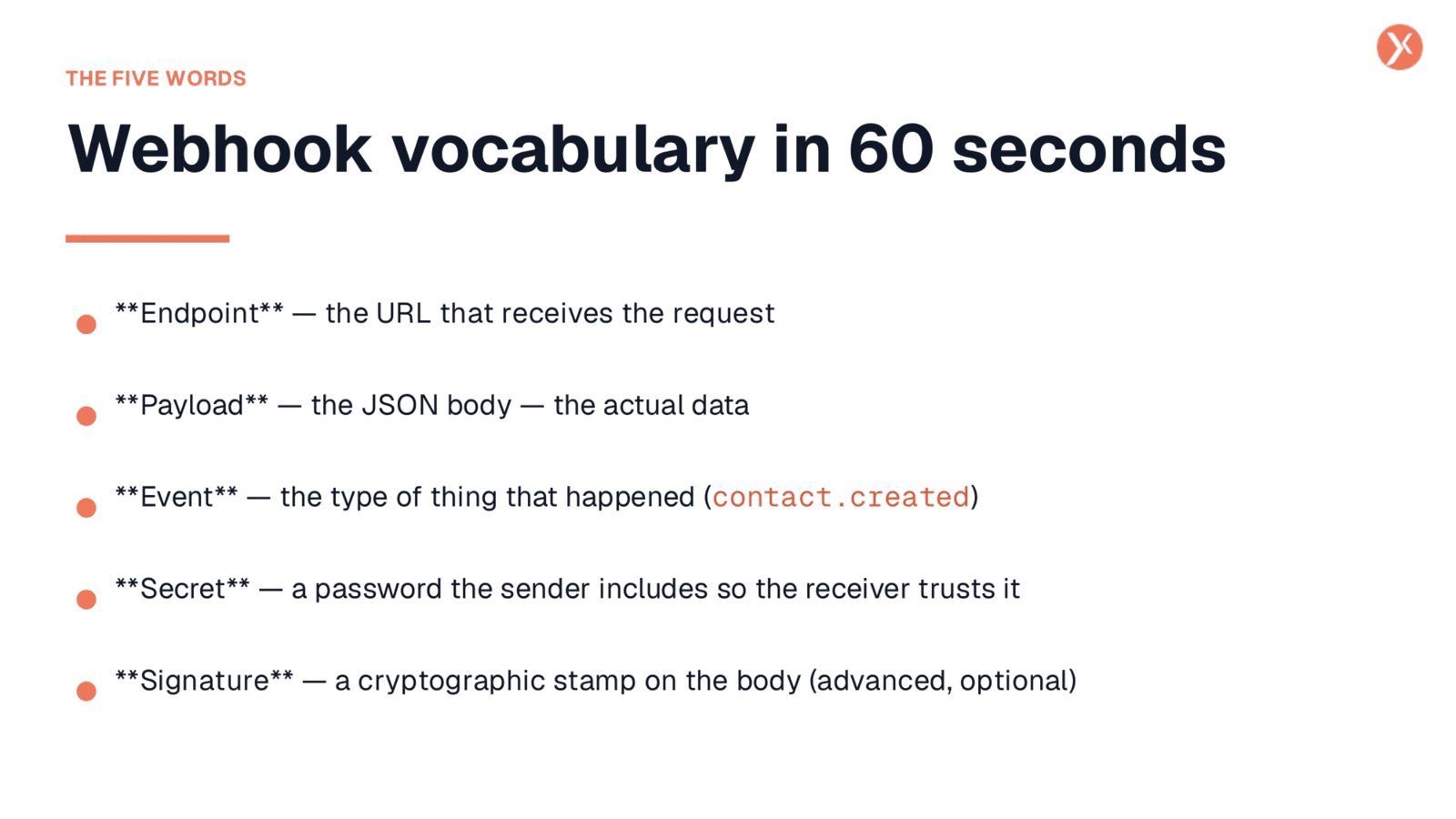
Let's quickly define five essential terms for webhook discussions. An 'endpoint' is the specific URL that receives the webhook request. The 'payload' refers to the JSON body, which contains the actual data being transmitted. An 'event' describes the type of action that occurred, such as 'contact.created'. A 'secret' is a password included by the sender to verify the request's legitimacy. Lastly, a 'signature' is an optional cryptographic stamp on the body, used for advanced security. Familiarity with these terms will ensure smooth understanding.
When Webhooks Are Not the Right Tool
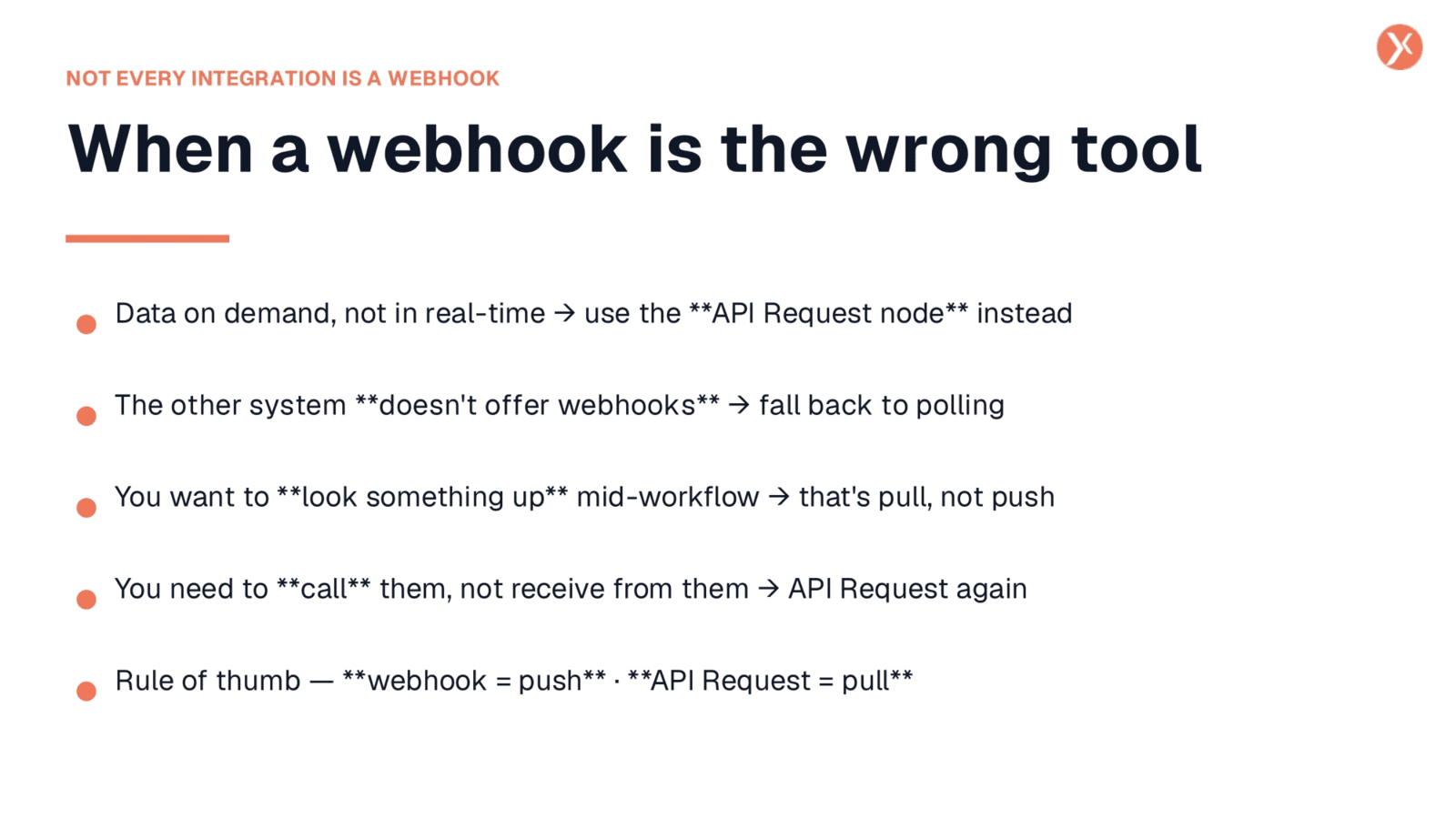
It's important to recognize that webhooks aren't always the ideal solution. If you need to retrieve data on demand, rather than react to an event, an API Request node is more appropriate. This applies when an external system doesn't offer webhooks, requiring you to fall back to polling, or when you need to look up information mid-workflow. Essentially, if you need to 'call' them for data, it's a pull operation. The simple rule of thumb is: webhooks are for 'push' notifications, while API requests are for 'pulling' information.
Webhook Recap and Next Steps
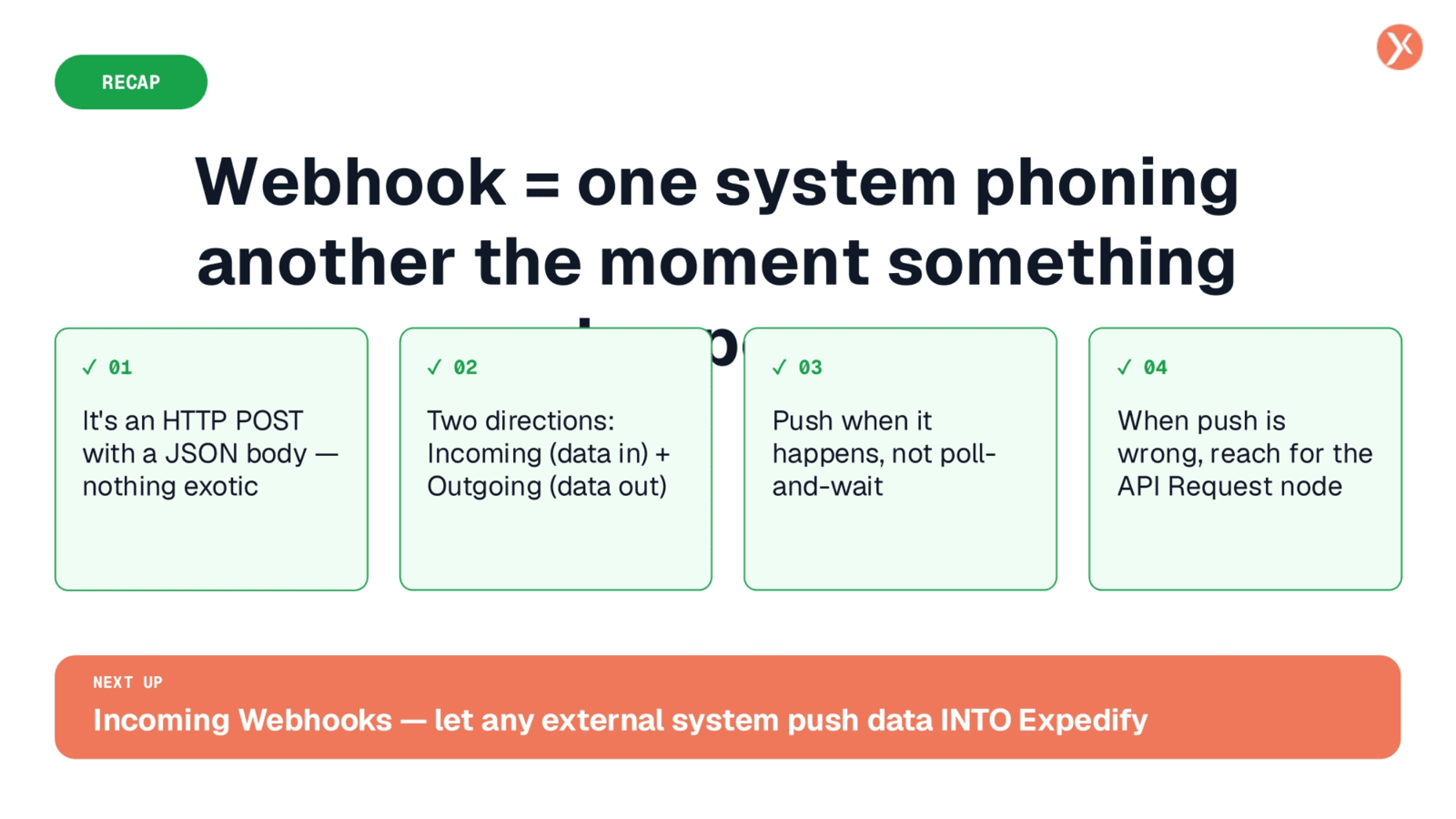
To recap, a webhook is fundamentally one system notifying another the instant something significant happens. It's implemented as a straightforward HTTP POST request with a JSON body. Expedify supports both incoming data flows, where external systems push information to us, and outgoing flows, where we push data to your systems. Remember to use webhooks for event-driven 'push' scenarios, and the API Request node for 'pulling' data on demand. Next, we'll explore incoming webhooks in Expedify's user interface.