Segment Trigger
The Segment Trigger in Expedify automates workflows by reacting to contact movements within your dynamic segments. We'll cover the trigger node itself, its configuration options, and the data it provides to your downstream workflow actions.
Visualizing the Segment Trigger
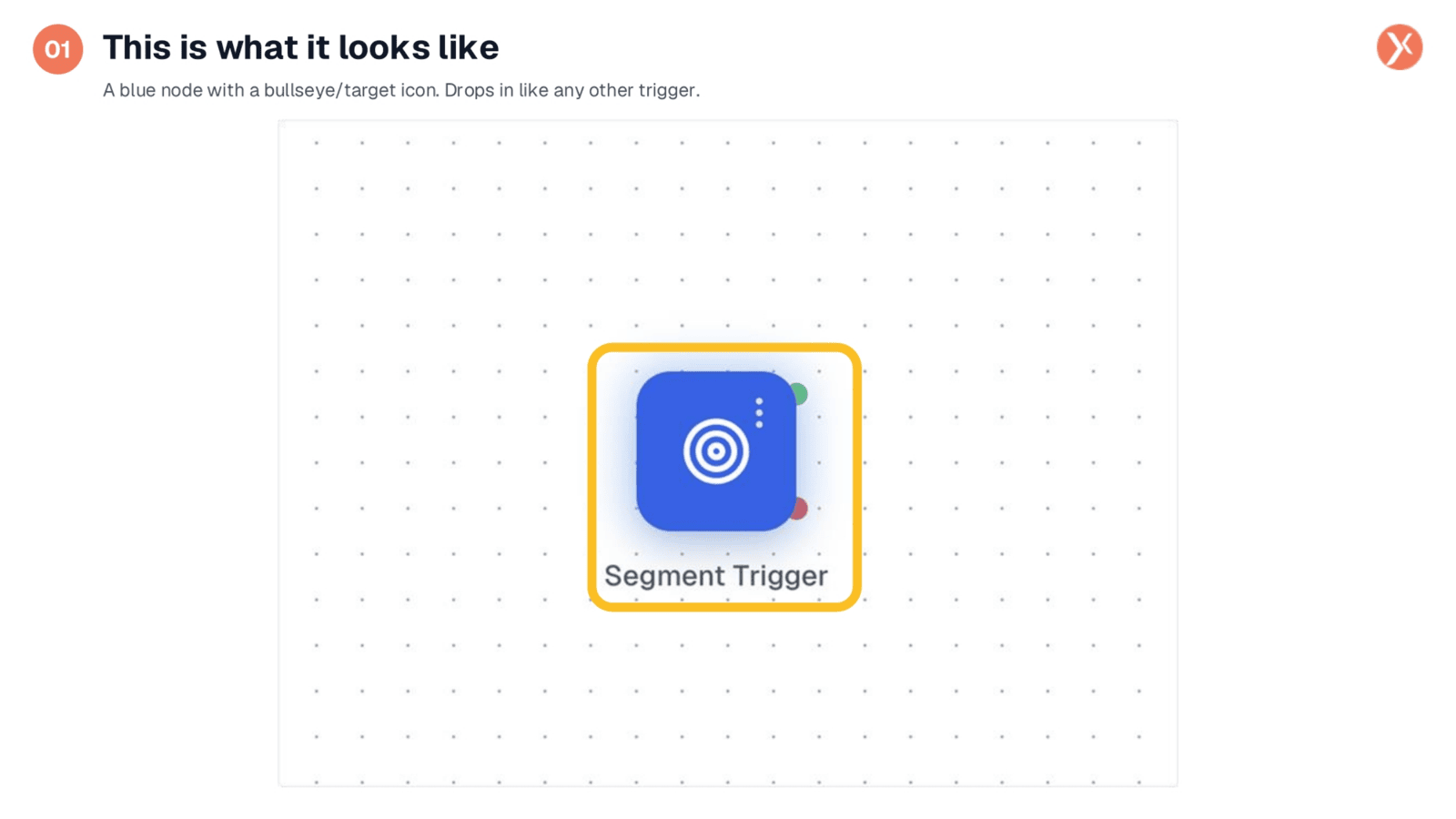
The Segment Trigger is visually represented as a distinct blue node featuring a bullseye icon. This bullseye serves as an intentional visual cue, emphasizing that segments are designed for targeting specific groups of contacts within your system. This trigger seamlessly integrates into your workflows, functioning like any other trigger. To configure it, simply double-click the node to define which segments you want to monitor and whether the workflow should activate when contacts are added, removed, or both.
Segment Trigger Configuration
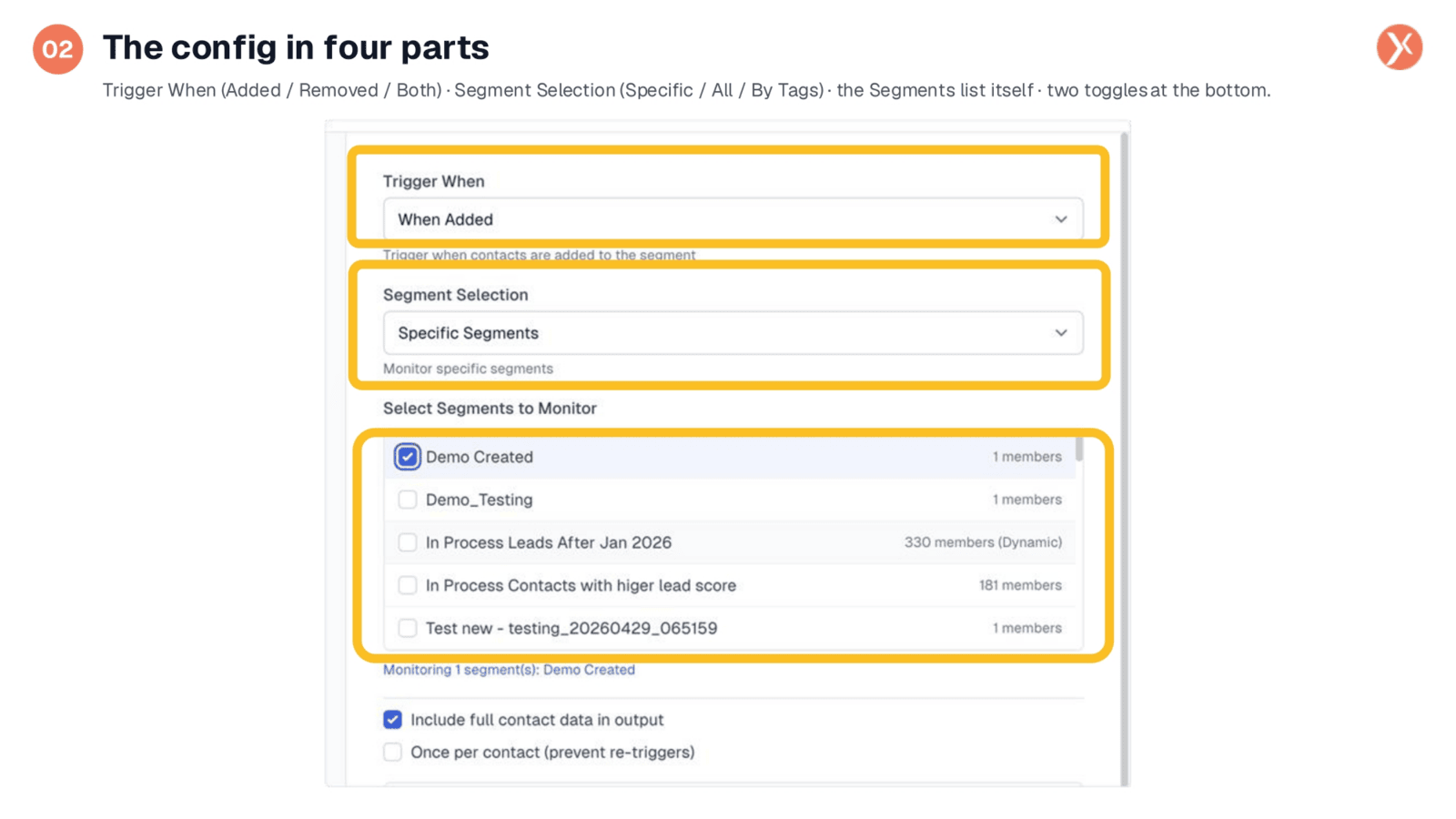
The Segment Trigger configuration is organized into four distinct parts. First, 'Trigger When' lets you choose if the workflow fires when contacts are added, removed, or both. Next, 'Segment Selection' allows you to monitor 'Specific Segments' by name, 'All Segments' for any change, or 'By Tags' for groups sharing a common tag. The third section lists your CRM segments, where you select those to monitor, including dynamic ones. Finally, two toggles offer control: 'Include full contact data' enriches the output for downstream nodes, and 'Once per contact' prevents re-triggers from a single contact repeatedly entering and exiting.
Segment Trigger Outputs
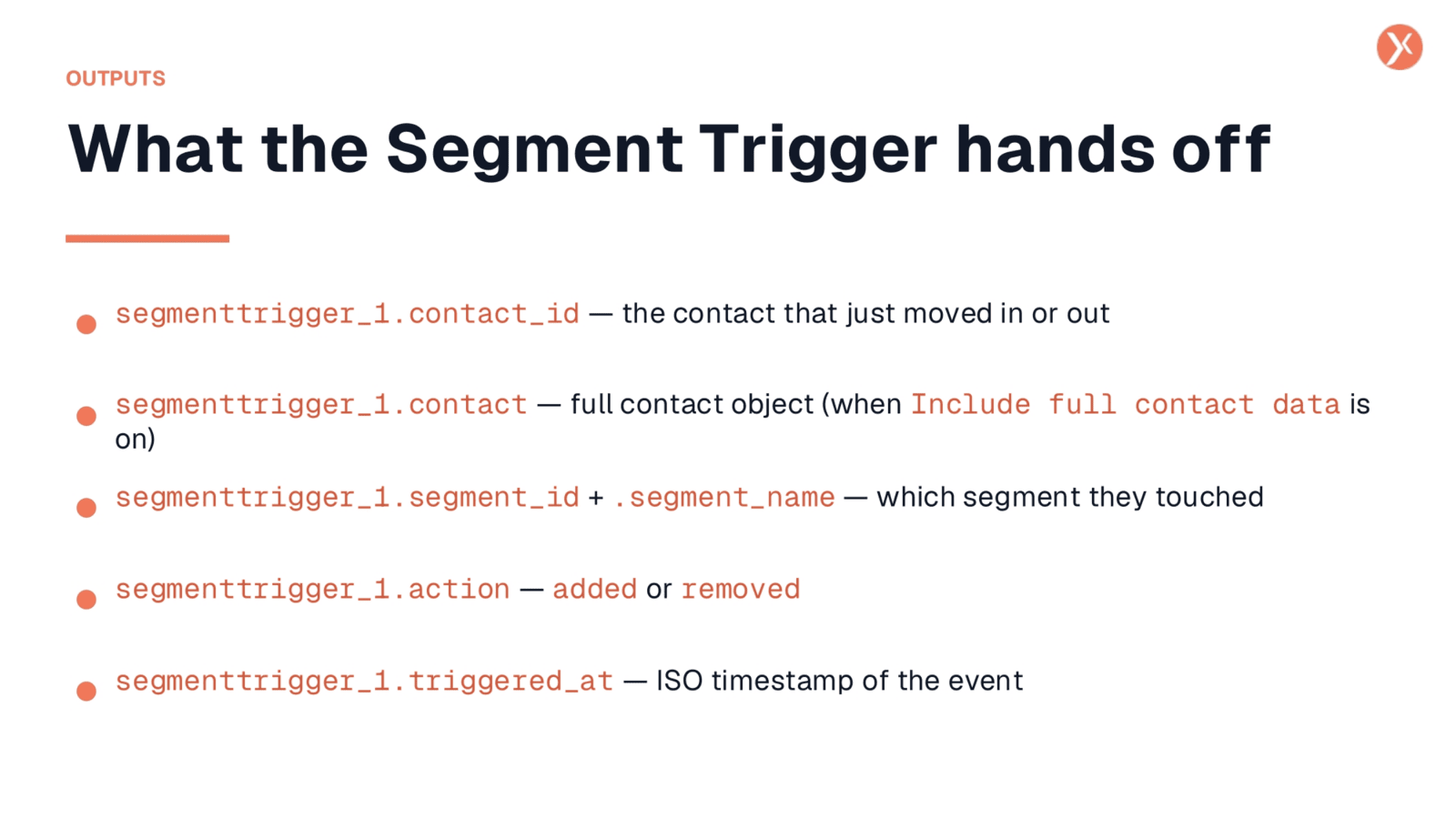
The Segment Trigger provides valuable data to your downstream workflow nodes. It outputs segmenttrigger_1.contact_id, identifying the specific contact who entered or exited a segment. If 'Include full contact data' is enabled, you also receive segmenttrigger_1.contact, which is the complete contact object, including details like email, phone, and custom fields. The segmenttrigger_1.segment_id and segment_name variables indicate precisely which segment was involved. Additionally, segmenttrigger_1.action specifies whether the contact was 'added' or 'removed,' allowing for conditional branching in your workflow. Finally, segmenttrigger_1.triggered_at provides an ISO timestamp of the event, ensuring precise tracking. This rich data makes it simple to integrate with subsequent actions, such as sending a welcome email by referencing segmenttrigger_1.contact.email.
Segment Trigger Recap
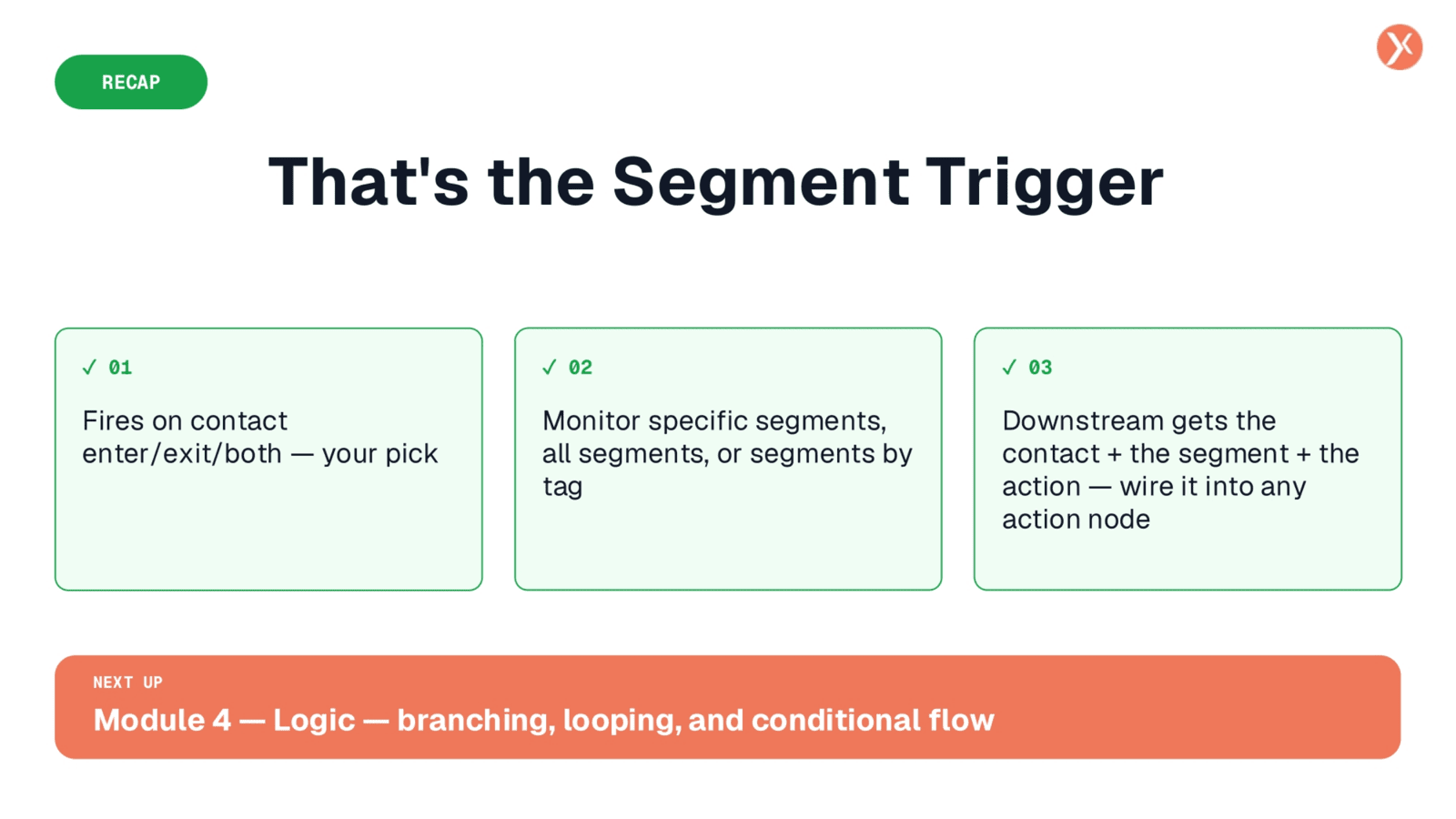
That concludes our overview of the Segment Trigger. It's a powerful tool for automating lifecycle events, from welcome flows to re-engagement. This wraps up our discussion on Expedify's triggers.