Transfer Call
Welcome to our session on Expedify's Transfer Call feature. Today, we'll explore how to seamlessly hand off calls to the right human agent. We'll cover its function as a tool node, how to configure voice integrations and transfer destinations, and what happens to the AI conversation during a successful transfer.
Transfer Call Demo Overview
Let's begin with a quick overview of the Transfer Call tool. This demonstration will walk us through its key components, including the tool itself, voice integration, transfer destinations, the transfer message, and the crucial END_CONVERSATION behavior. Understanding these elements is essential for effective implementation.
Transfer Call on the Canvas
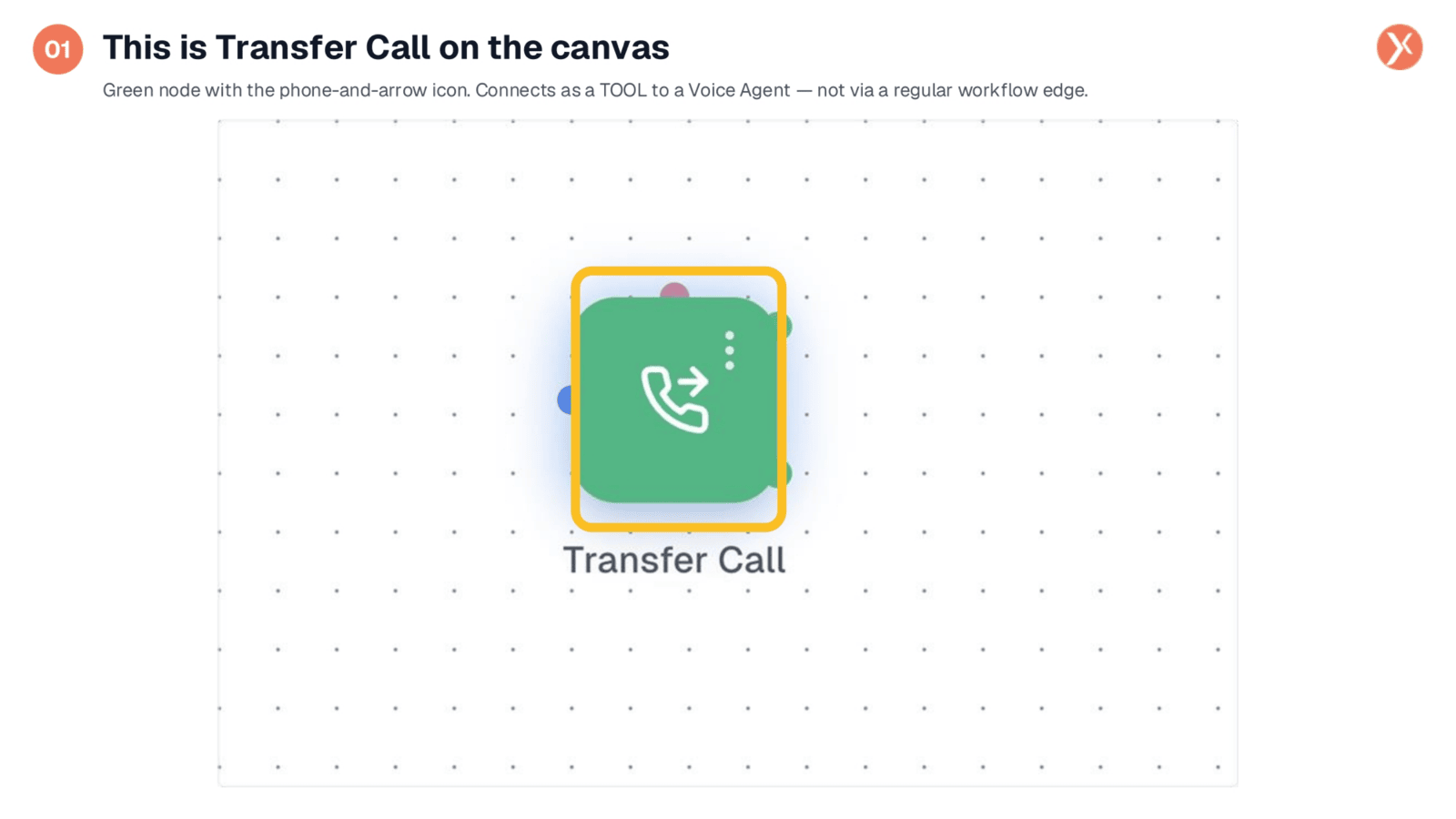
Here we see the Transfer Call node on the canvas. It's represented by a green node with a phone and forward arrow icon, visually indicating its function to redirect calls. Unlike regular workflow edges, this tool node connects directly to a Voice Agent's tool input, integrating seamlessly into your AI-driven conversations. Double-clicking this node will open its configuration panel.
Opening Transfer Call Configuration
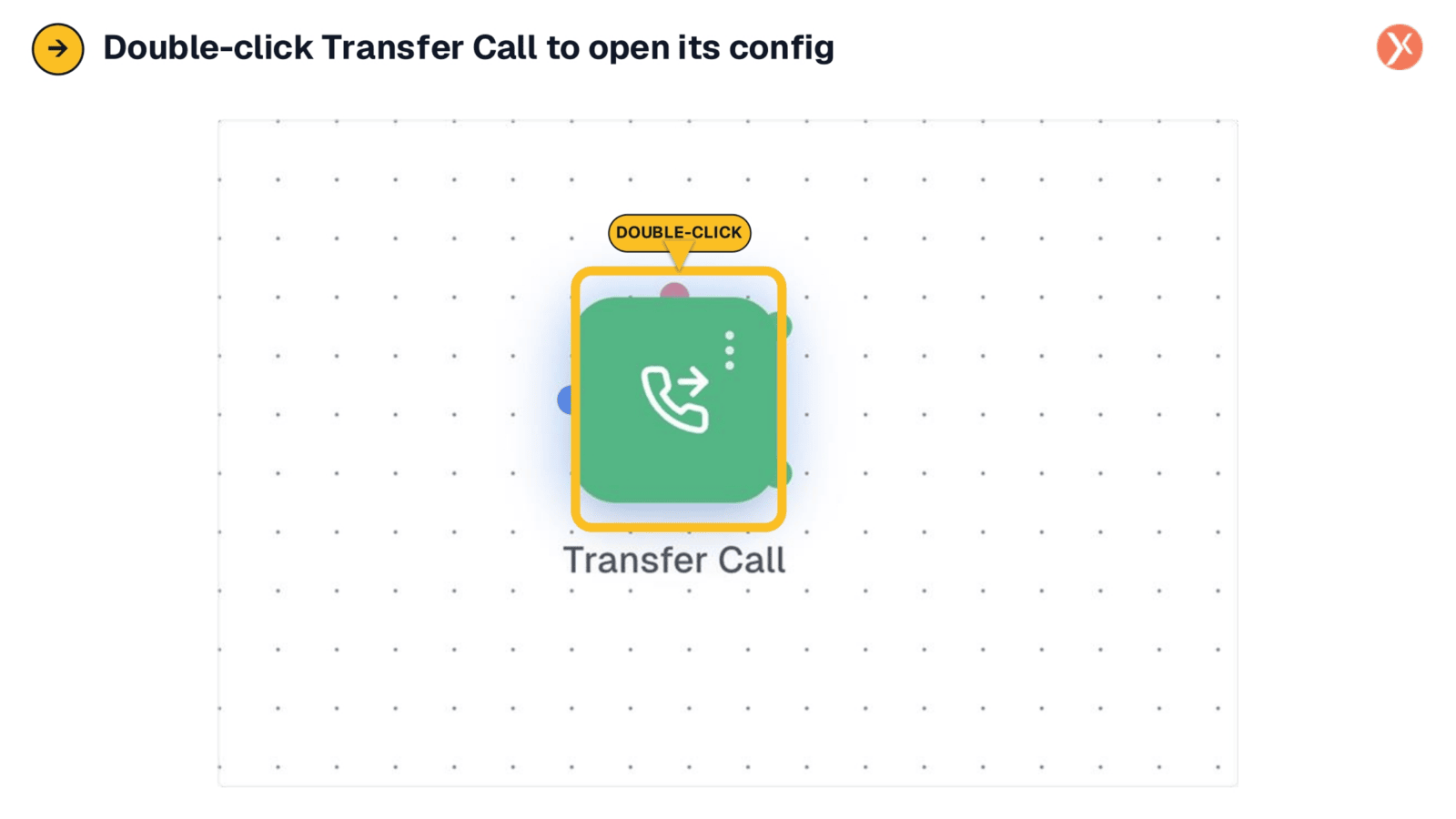
To access the configuration settings for the Transfer Call node, simply double-click its icon on the canvas. This action will open a dedicated panel, providing all the necessary options to customize how your AI agent manages call transfers and integrates with your existing voice infrastructure. This straightforward step initiates the setup process for seamless human hand-offs.
Configuration Panel: Overview
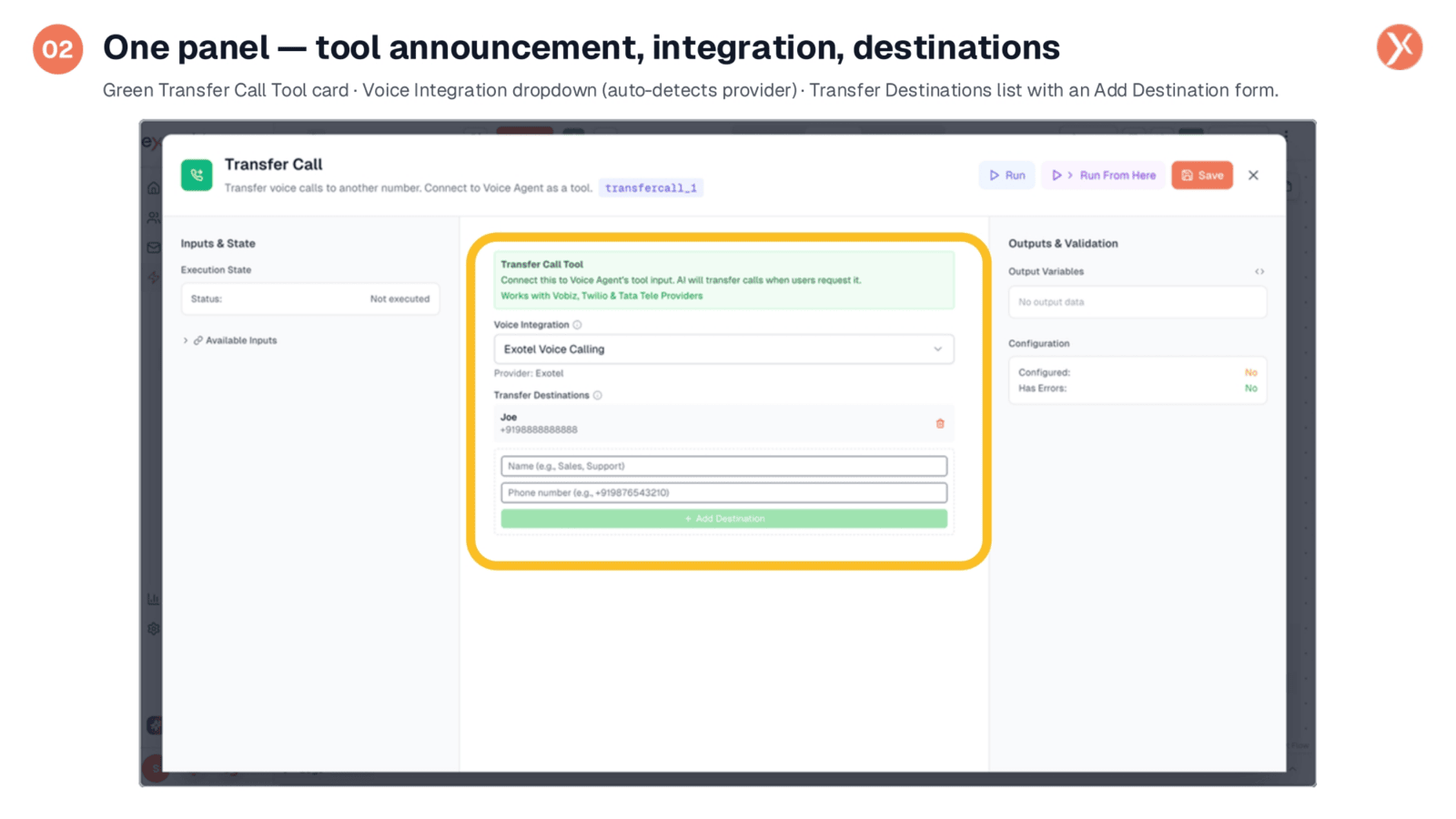
The configuration panel provides a comprehensive view of the Transfer Call tool. The green card at the top clearly identifies it as a "Transfer Call Tool" and specifies its connection to a Voice Agent's tool input. The transfercall underscore one badge indicates its variable namespace. Below, you'll find two primary fields: Voice Integration, for selecting the provider, and Transfer Destinations, where you define the numbers the AI can route calls to.
Voice Integration Selection
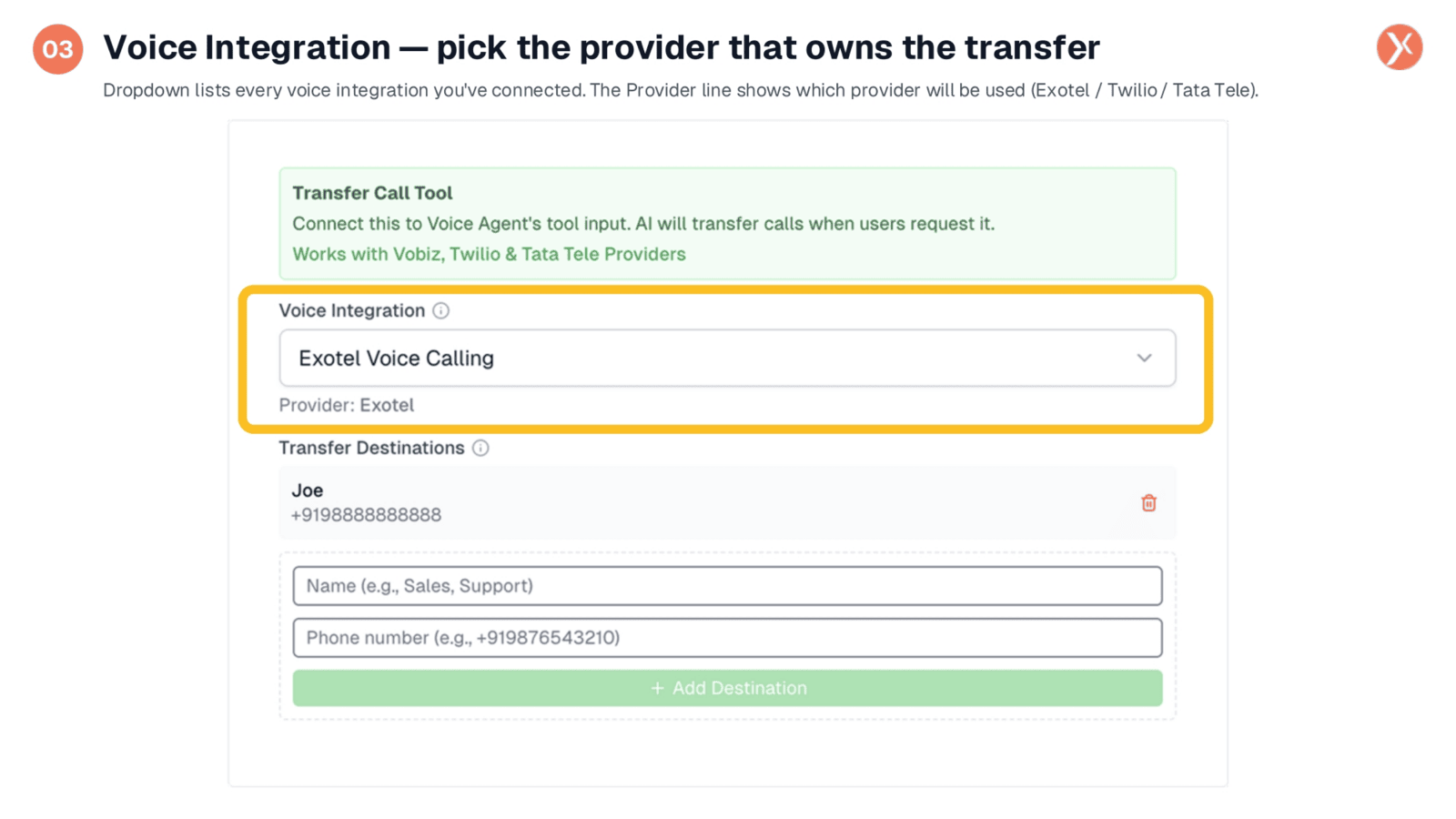
The first critical decision is selecting the Voice Integration. The dropdown menu displays all connected voice integrations, such as Exotel, Twilio, or Tata Tele. It's crucial to match this with the provider where the call originated to ensure successful transfers. Expedify supports these providers end-to-end, handling the underlying API calls and protocols for a smooth hand-off.
Defining Transfer Destinations
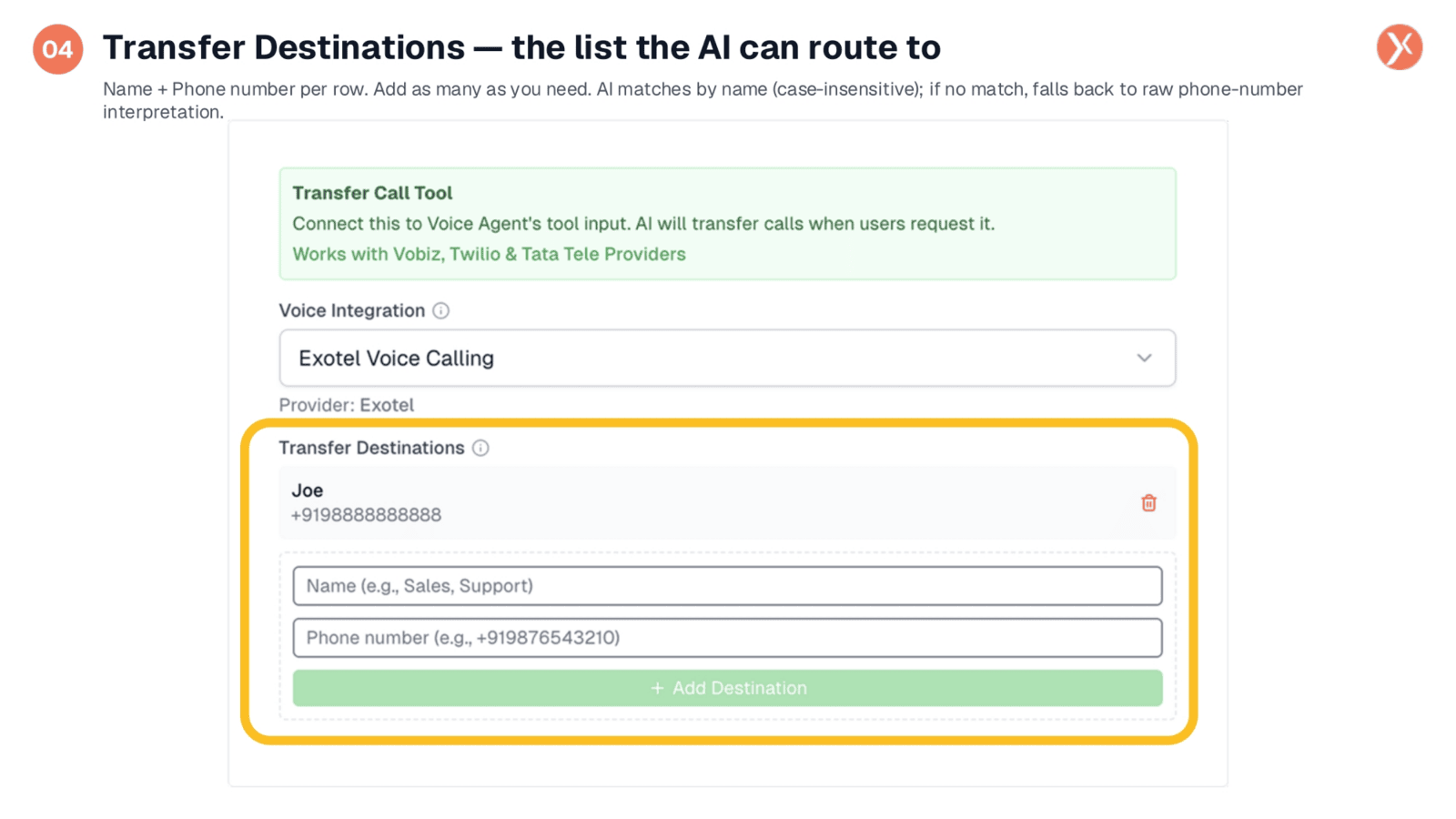
The Transfer Destinations list is central to this node's functionality. Each entry consists of a name and a phone number. The AI uses these names, which are case-insensitive, to match caller requests like "transfer me to Joe." You can add multiple destinations for different departments, enabling the AI to route callers to the appropriate team. If no name match is found, the AI can interpret raw phone numbers.
How Transfer Call Operates
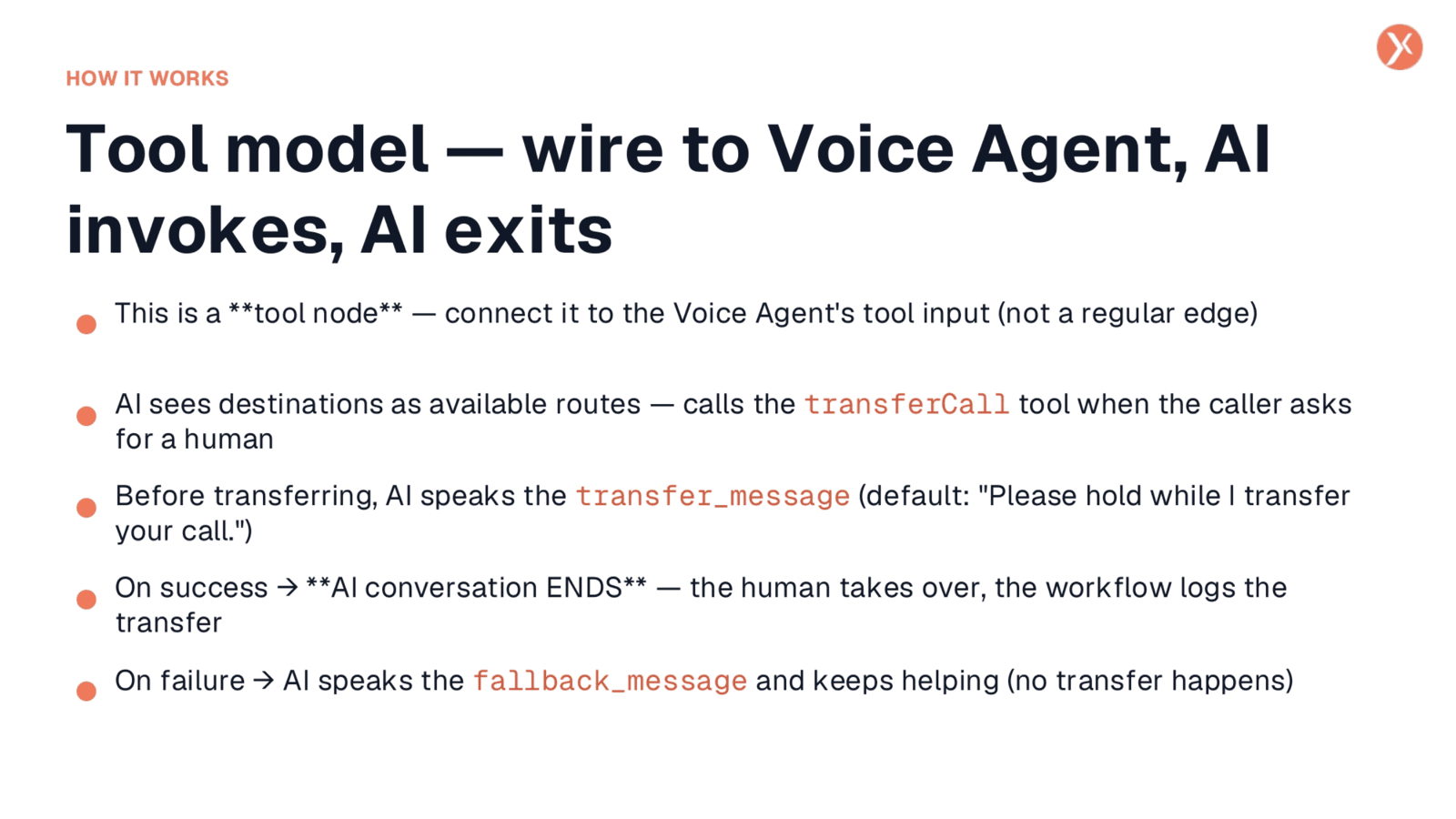
Transfer Call functions as a tool node, wired into the Voice Agent's tool input. The agent recognizes configured destinations as available routes. When a caller requests a human, the agent invokes the tool. Before the transfer, a polite, consistent transfer message is spoken. Critically, upon a successful transfer, the AI conversation ends, and the human agent takes over. In case of failure, the agent speaks a fallback message and continues assisting the caller.
Transfer Call Outputs
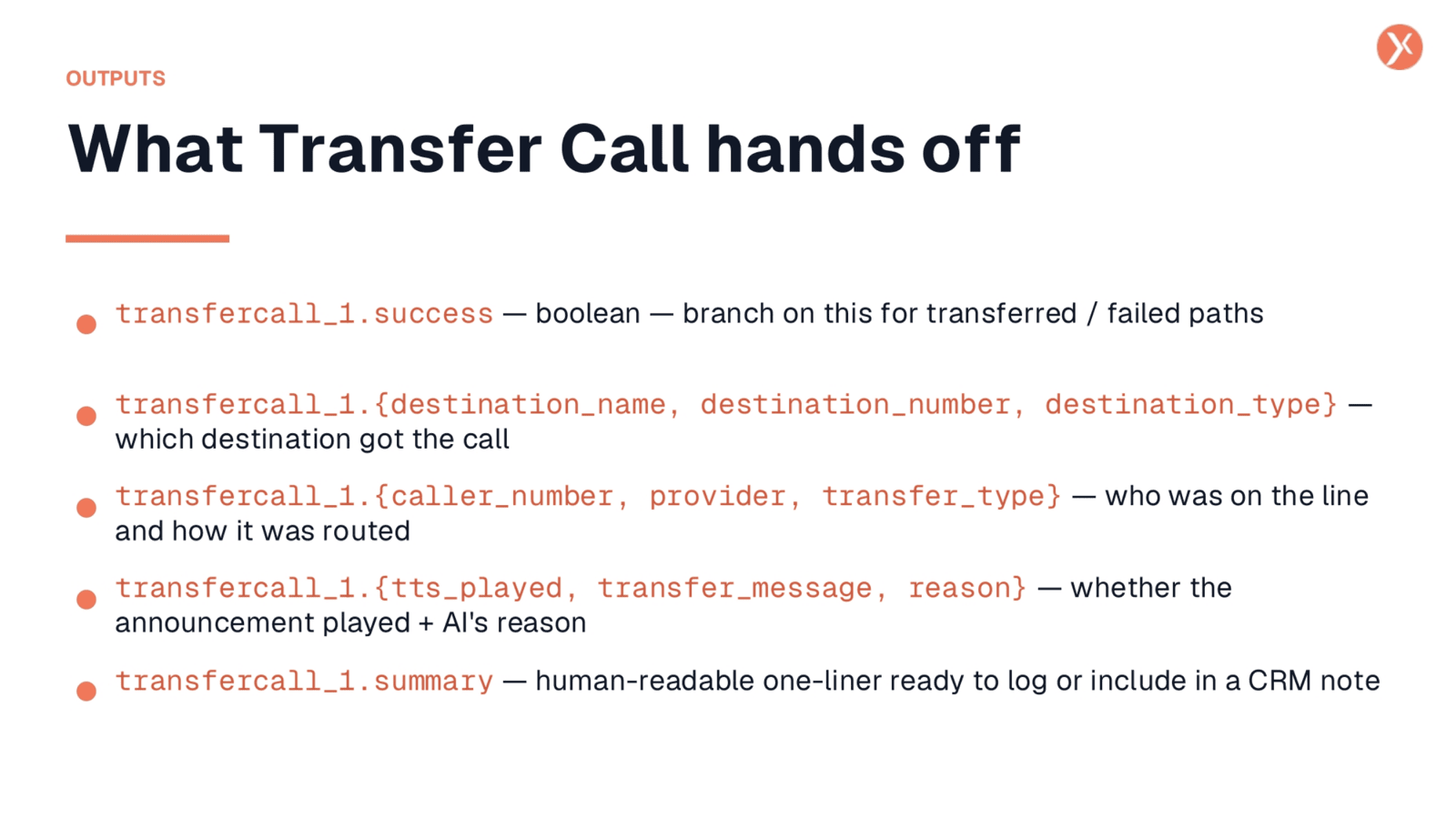
Even after the AI conversation concludes, the workflow continues, allowing for post-transfer processing. The transfercall underscore one dot success boolean indicates if the transfer was successful, enabling conditional logging. Outputs also include details about the destination underscore name, destination underscore number, and destination underscore type, along with caller underscore number and provider information. The tts underscore played field confirms if the hand-off message was delivered, and a summary provides a concise, human-readable log entry for CRM integration.
Transfer Call Recap
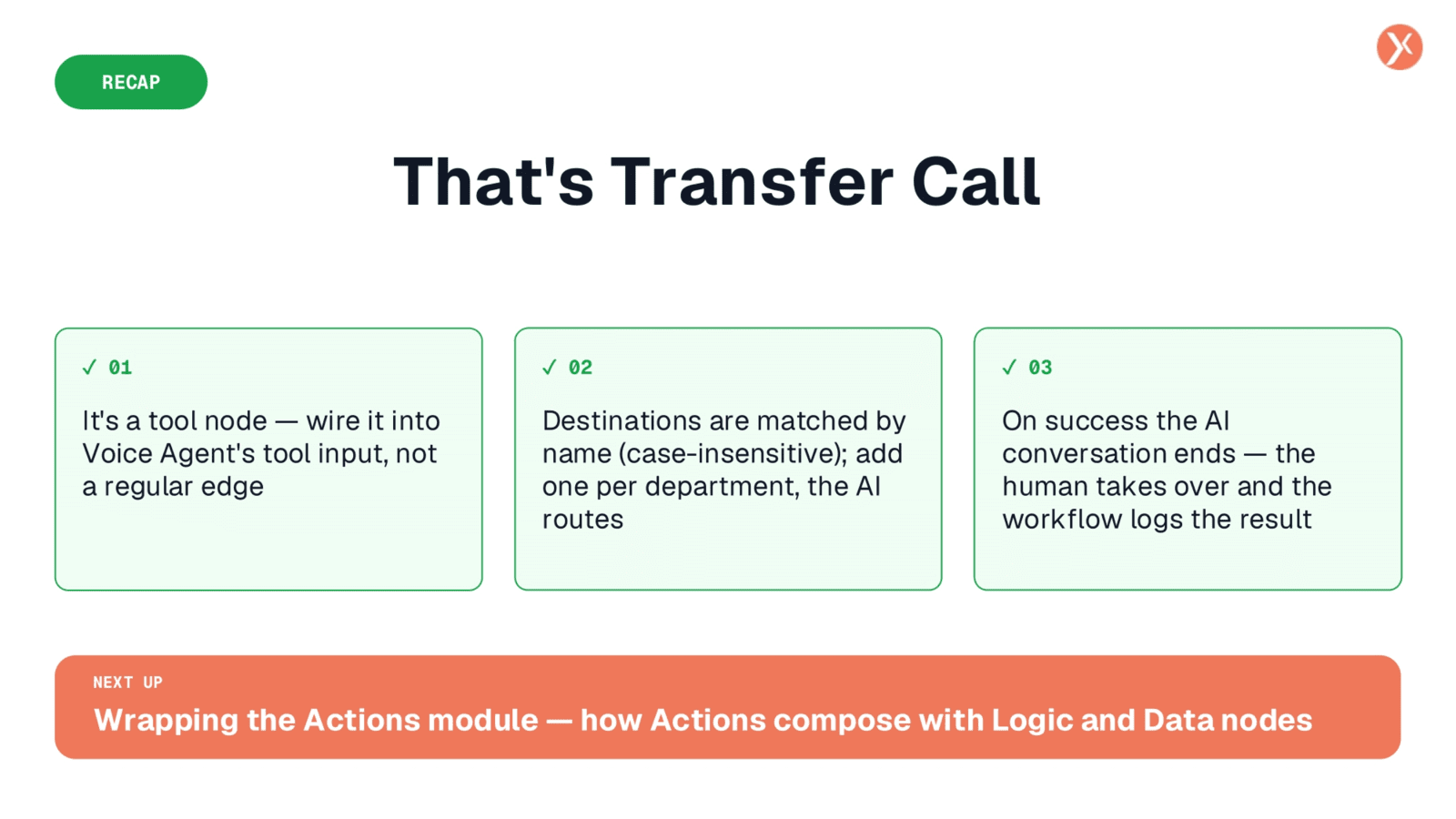
In summary, Transfer Call is a vital tool node for your Voice Agent, enabling seamless hand-offs to human agents. Configure your destinations, and remember that upon a successful transfer, the AI conversation concludes. This empowers human interaction.